How to Set Up IPTV in Pakistan

Setting up Geo IPTV takes only a few minutes. After you order, you get your login details — an M3U link or Xtream Codes username, password and server URL — on WhatsApp. Pick your device below and follow the steps.
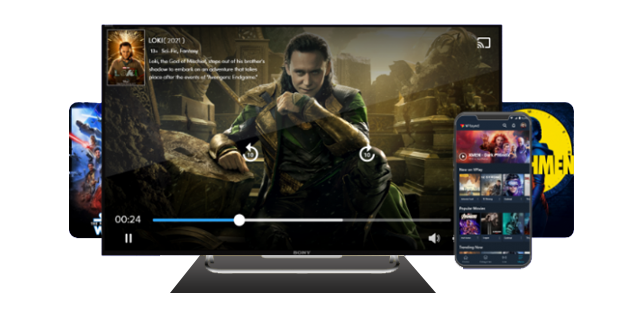
How to set up Geo IPTV on Android, Fire Stick and Smart TV

Before You Start

What You Need

An active Geo IPTV subscription or free trial, your M3U URL or Xtream Codes login, a stable connection (10 Mbps SD, 20 Mbps HD, 50 Mbps 4K), and an IPTV player app for your device.

Android (Phone / TV Box)

  1. Install an IPTV player from the Play Store.
  2. Choose "Add user" / "Xtream Codes login".
  3. Enter your username, password & server URL (or paste your M3U URL).
  4. Save — channels and VOD load automatically.

Amazon Fire Stick

  1. Search for and install an IPTV player app.
  2. Launch it and select Xtream Codes or M3U login.
  3. Enter your credentials or M3U link and confirm.
  4. Wait for the playlist to load, then watch.

Smart TV (Samsung / LG)

  1. Install an IPTV player from your TV's app store.
  2. Add a new playlist via Xtream Codes login or M3U URL.
  3. Save and refresh to load the channel list.

MAG / Enigma2

  1. Open portal settings and enter the portal URL we provide.
  2. For Enigma2, upload the playlist or enter Xtream Codes details.
  3. Reboot the device to load the line-up.

iPhone / iPad (iOS)

  1. Install an IPTV player app from the App Store.
  2. Add your account via Xtream Codes login or M3U URL.
  3. Save to load your channels and VOD.

Troubleshooting

Buffering or freezing? Check your internet speed and restart the app. If a channel is down, report it on WhatsApp and our 24/7 team will help. The latest player version gives the best results.

PKR
INR
USD